
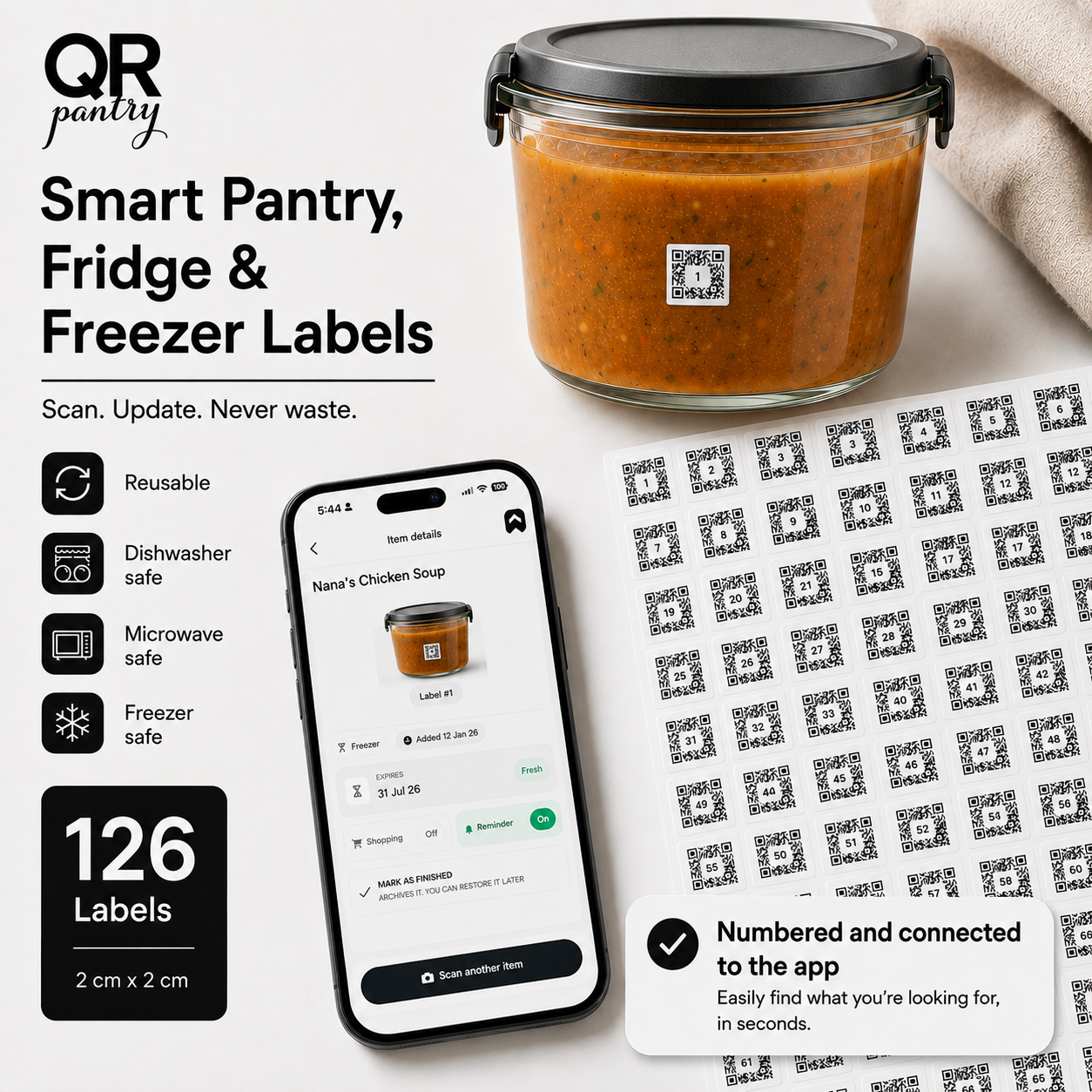
Smart Pantry, Fridge & Freezer Labels
Put an expiry date
on anything.
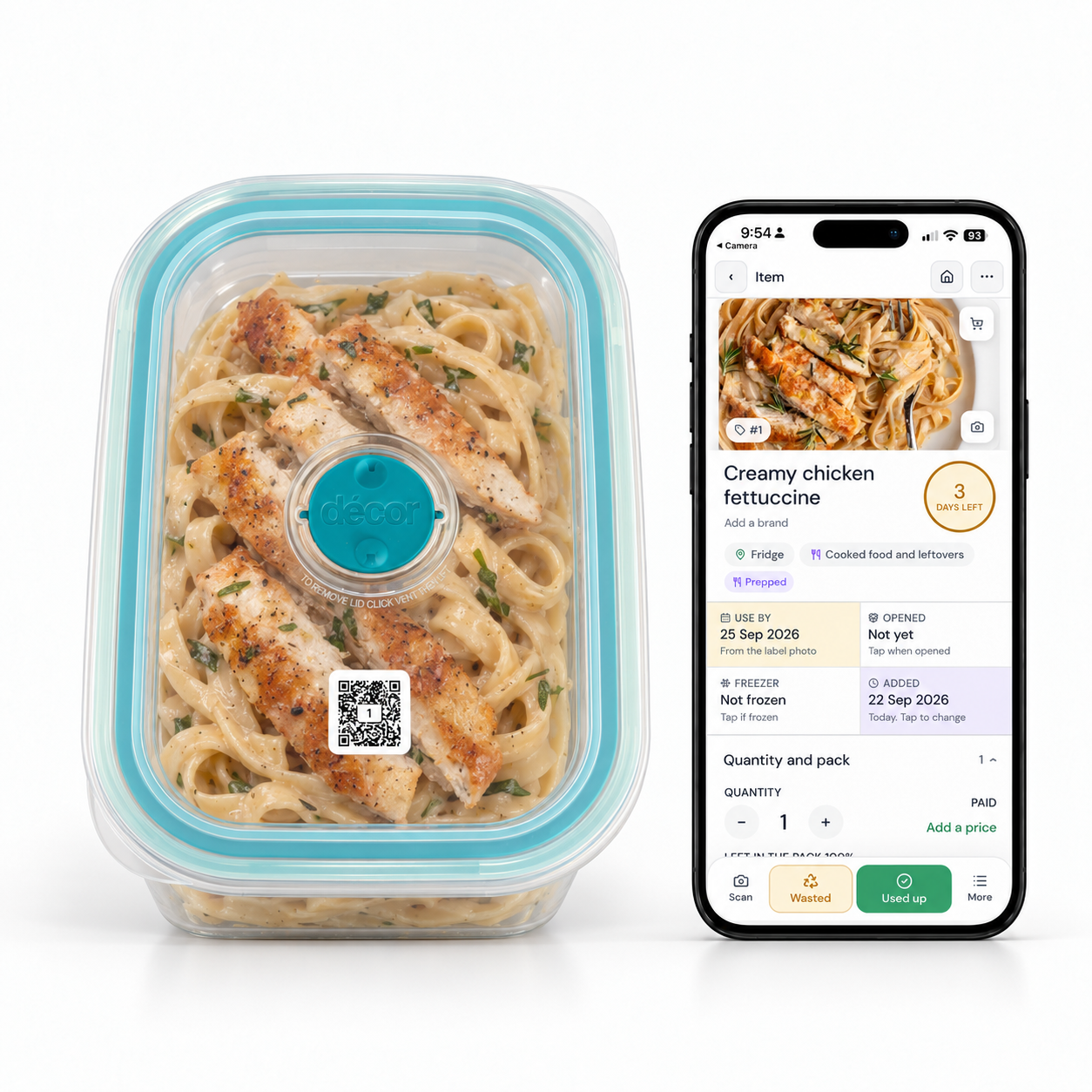
Leftovers, opened jars and meals in the freezer all have dates worth remembering. Stick on a QR Pantry label and save what’s inside, along with the dates you want to keep track of. Scan it whenever you need to check, and get a reminder before the expiry date you’ve saved.

Free app with optional Pro. Free shipping within Australia. Global shipping available.
ShortlistedTechRadar Sustainability Awards 2026, Tech for Good
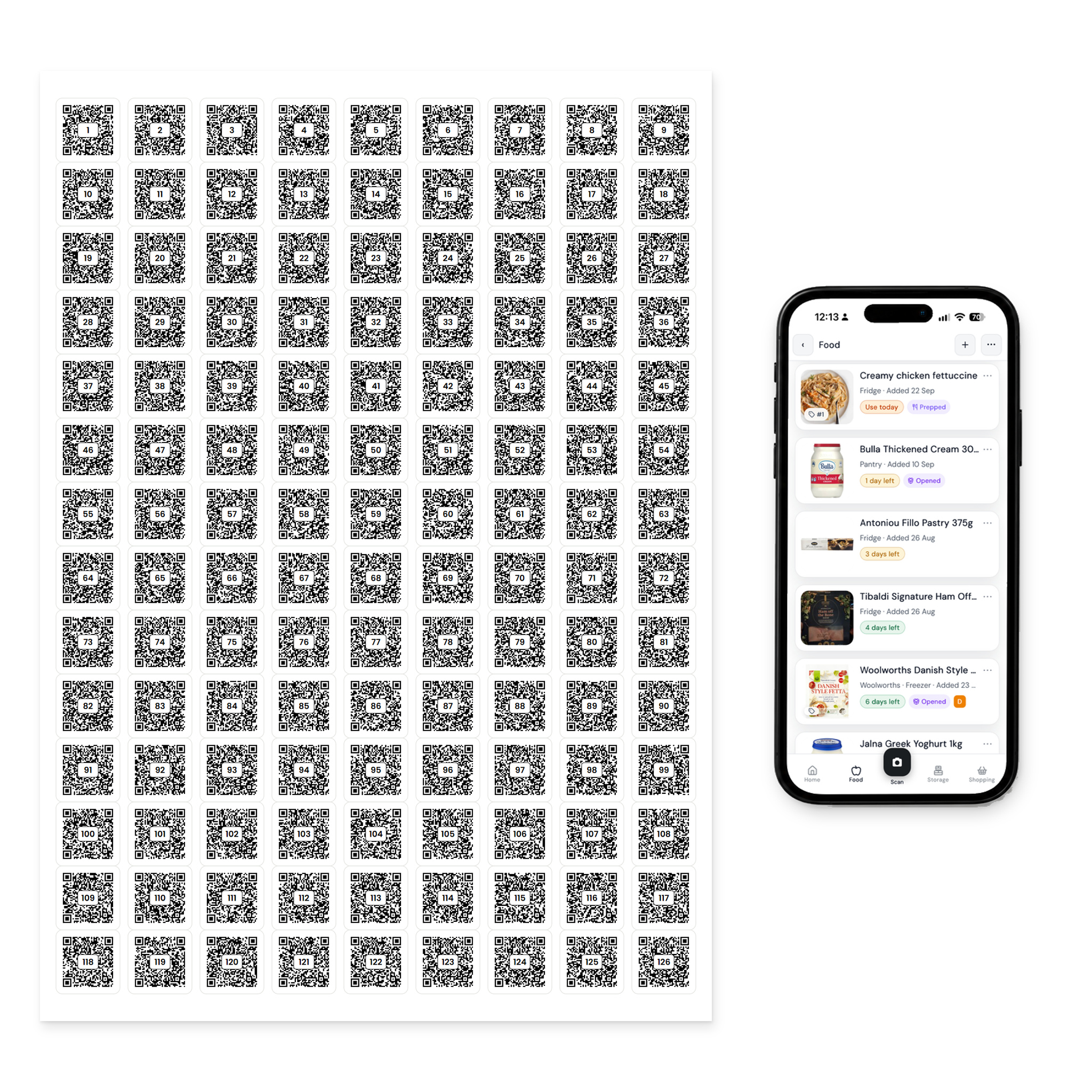
126 labels Reusable, matte white squares
2 × 2 cm Small enough for everyday jars
Unique QR codes One for every labelled container
Free app No paid subscription required
See it in action
A quick scan brings it all back.
Save what’s inside when you put food away. Next time, scan the label to check the name, dates and any notes you’ve added. You can also search the app to see what you have.
Scan a label to open the food details saved to it.
How it works
Stick it on. Save the details. Use it again.
1
Stick it on.
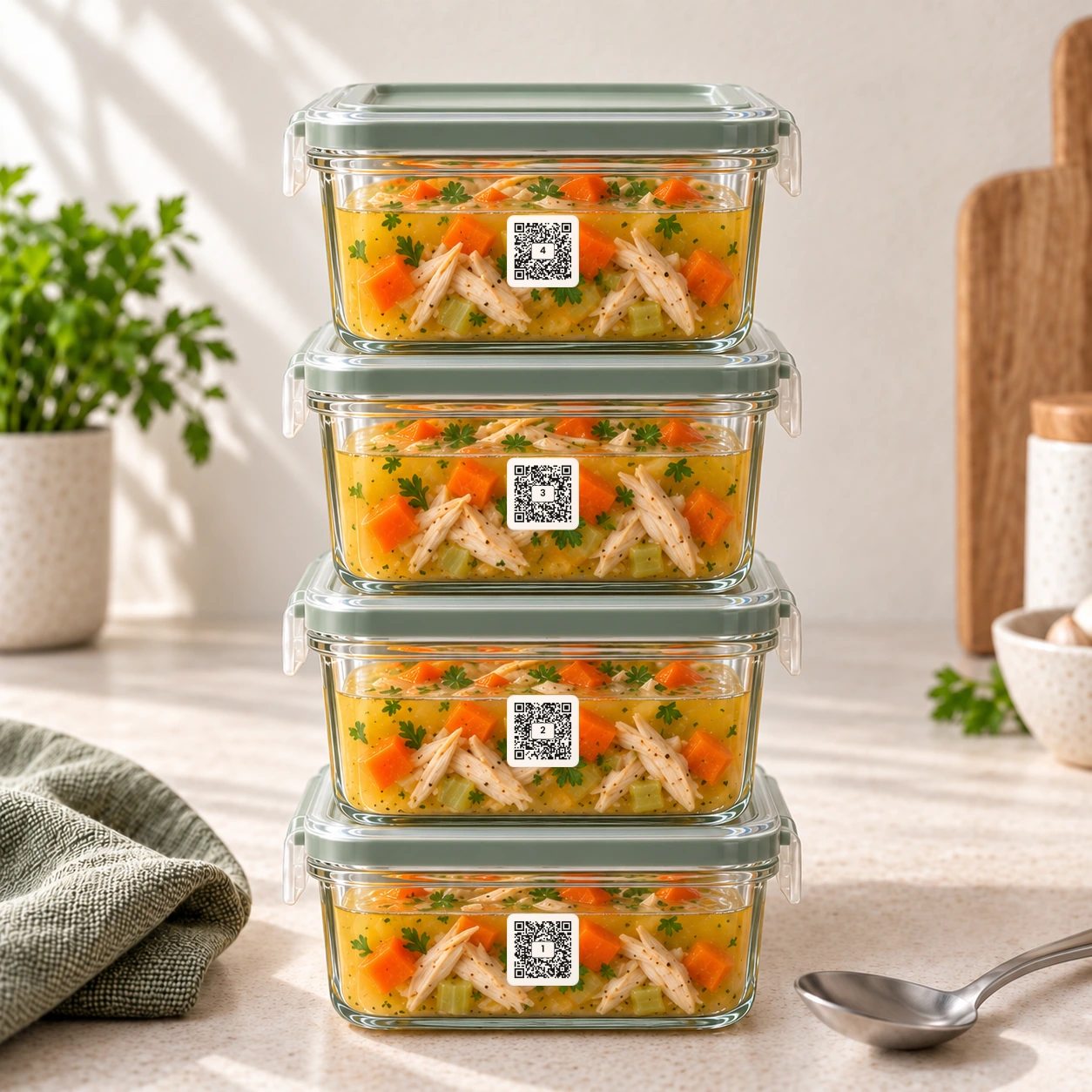
Apply a label to a clean, dry container or jar. Start with the containers you use most.
2
Scan and save.
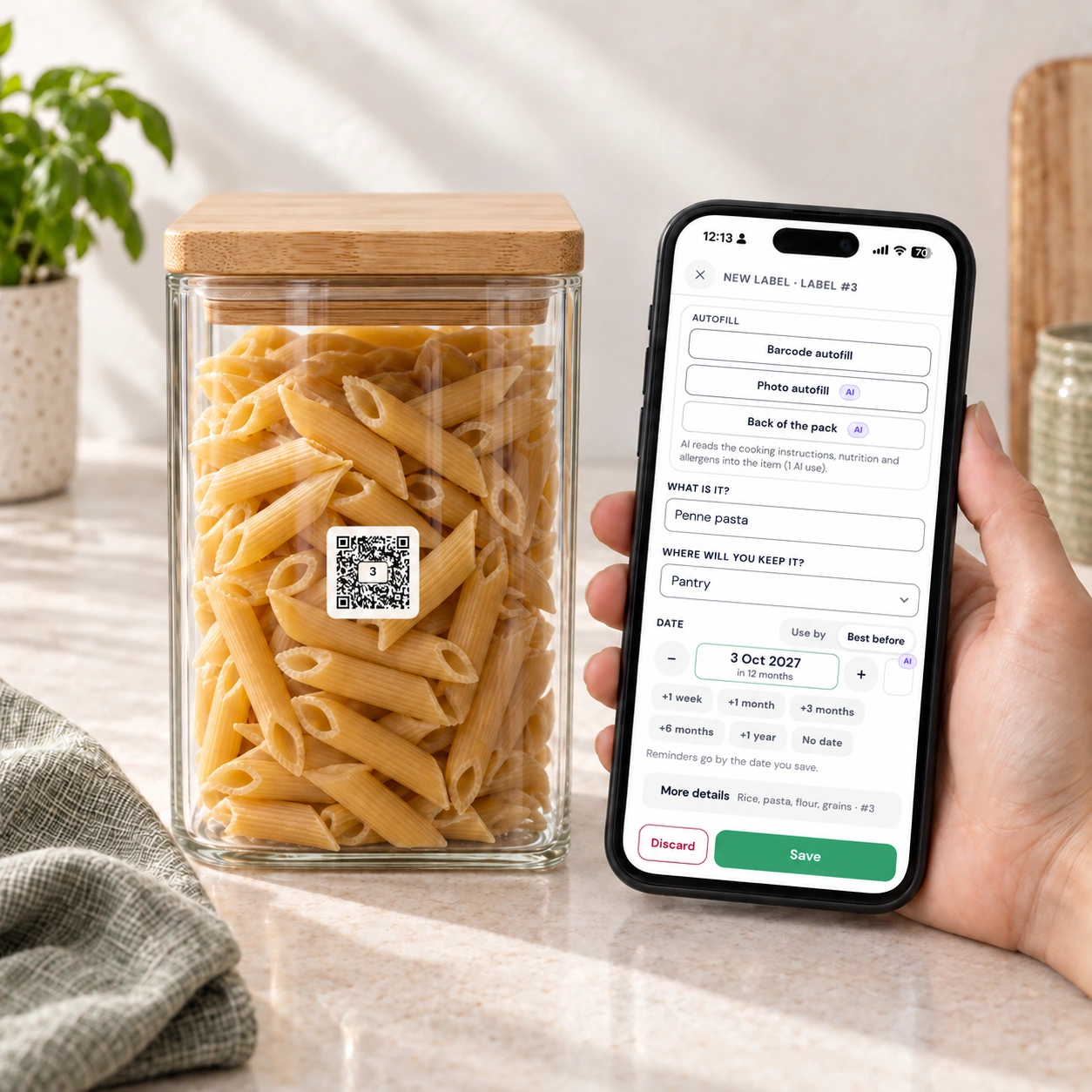
Scan with your phone, then save what’s inside, where you’re keeping it and the dates you want to remember. Add a photo or notes if they’re useful.
3
Use it again.
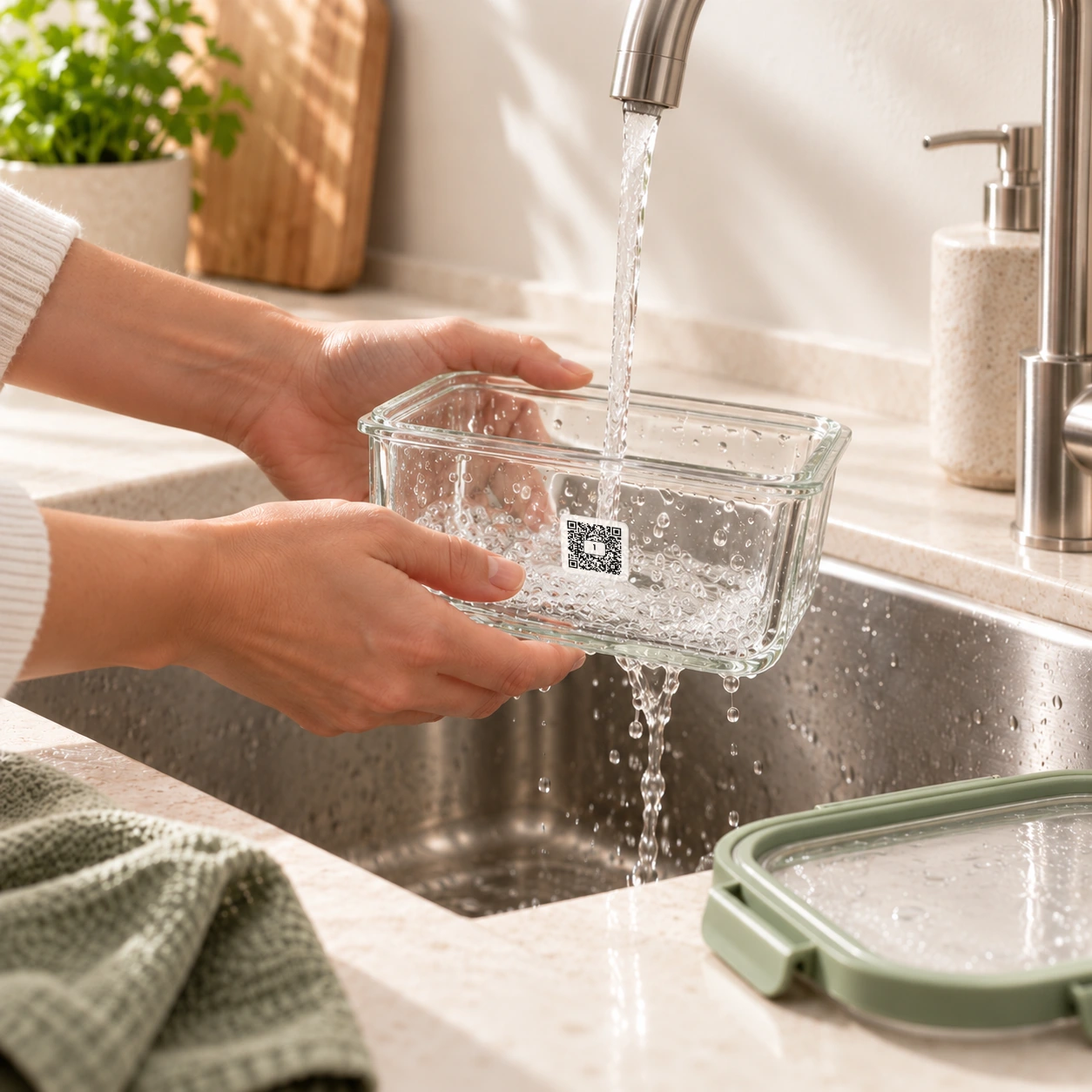
Scan whenever you need to check the details. When the container is empty, wash it and update the saved entry for the next meal or refill. The label stays on.
Start where it helps
For the food you put away for later.
Last night’s leftovers
Save the meal name and when you cooked it, then set an expiry date for a reminder before it comes around.
Meals in the freezer
Save the meal name, frozen date and reheating notes when you put it away. Later, scan to check what it is without opening the container.
Everyday pantry jars
Save the use-by or best-before date and cooking instructions from the packet before you fill your jar and throw the packaging away.
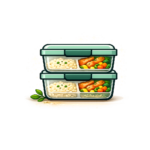
Lunches for the week
Save the details as you portion out your meals, so you can check what’s in each container before you grab lunch.
Start with the containers you use most. A few leftovers or freezer meals are enough to get going.
More than a name on a lid
Remember when you cooked it, opened it or froze it.
Keep the dates together.
Save cooked, opened and frozen dates separately from the expiry date. When you come back to a container, you can check what’s happened to it and when.
Get a reminder before it expires.
Turn on notifications to get a reminder on your phone before the expiry date you’ve saved. Expiry reminders are included in the free app.
Keep the notes you need.
Add a photo, quantity, reheating instructions or allergy notes to each entry. They’re there when you scan, so you don’t have to remember the details yourself.
Your labels work with the free app
Start free. Add Pro if it suits you.
Included with the free app
Save, check and reuse your labels.
- Scan, save and update your labelled containers
- Save food names, locations, dates, a photo and notes
- Get expiry reminders on your phone
- Try AI photo recognition with the included free allowance
- Keep a shopping list, save up to 10 recipes and plan this week’s meals
You don’t need a paid subscription to use your labels or get expiry reminders.
Optional QR Pantry Pro
Spend less time entering the details.
- Photograph food. AI suggests a name and expiry date for you to review.
- Read a printed date. Capture the date and cooking instructions from a photo of the pack.
- Scan a product barcode. Add matched product details to your label entry.
- Add more in one go. Scan a grocery receipt or save a batch of portions together.
- Keep more recipes. Room for 1,000 recipes in your recipe book.
AI date suggestions take the storage location into account. If you change it, the suggestion adjusts too. Always review the details before saving.
Pro gives you more AI uses and adds email reminders. See Pro features and current allowances.
From a customer review
“I love them, especially the warning that they are about to expire.”
Pamela R., August 2026
Review excerpt. The reviewer received an unconditional discount coupon. Read customer reviews.
Made for everyday kitchen use
Wash the container.
Keep the label.
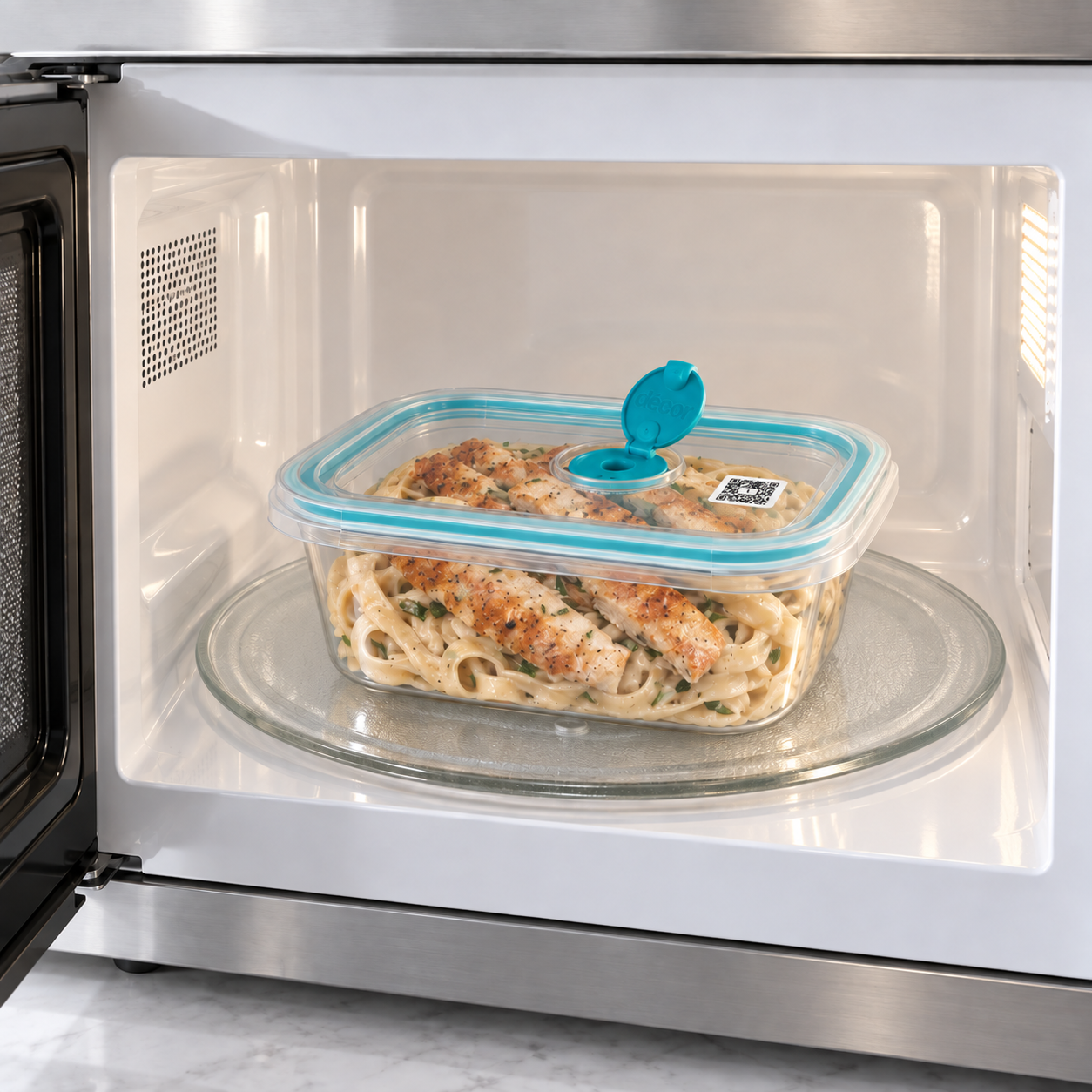
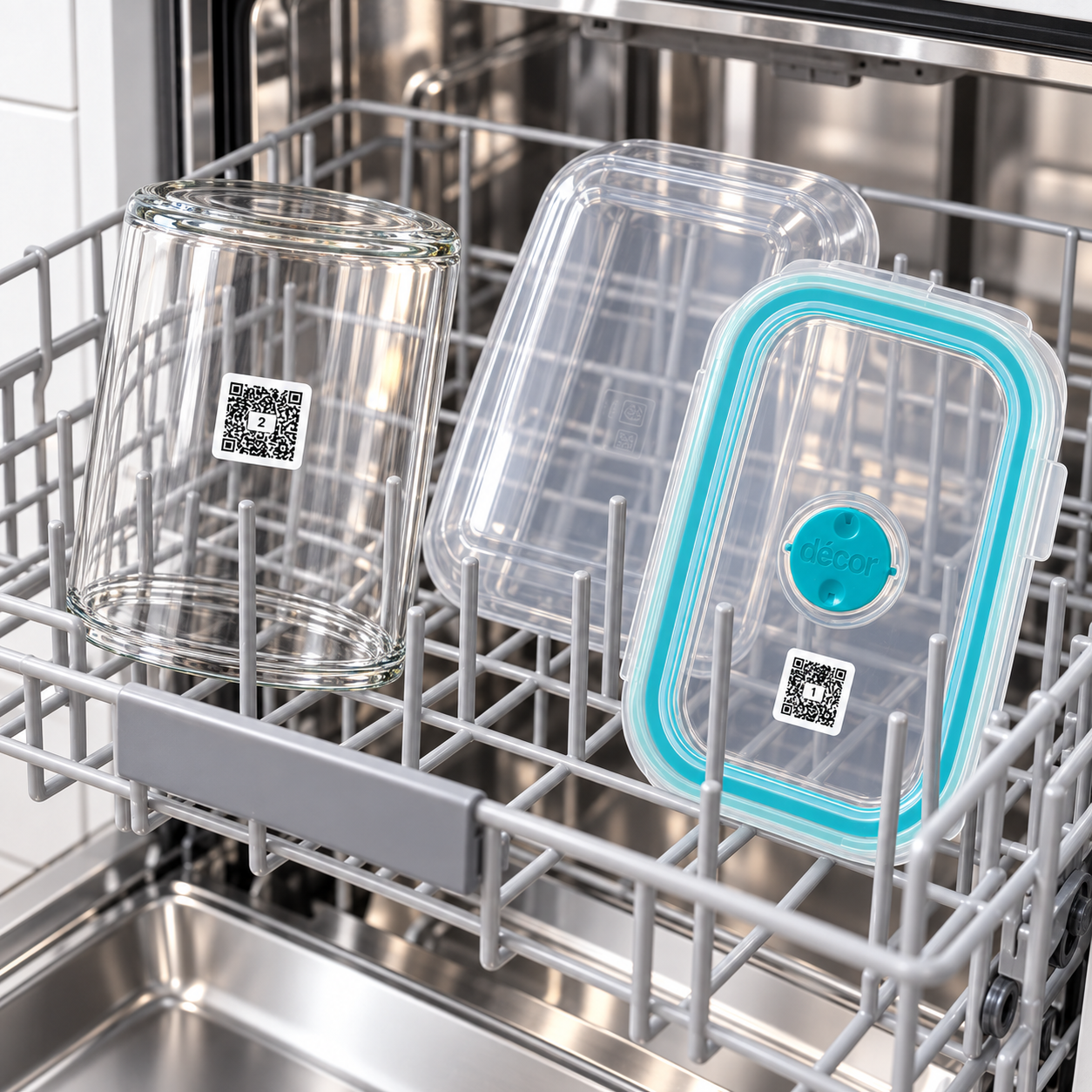
These reusable labels are made for glass and hard plastic food containers. They handle the freezer, dishwasher and everyday microwave reheating, ready for the next refill.
- Dishwasher: top shelf on a normal cycle up to 60°C
- Microwave: normal reheating on a microwave-safe container
- Freezer: apply at room temperature before freezing
Apply to a clean, dry surface. Hand-wash silicone containers. Use the labels on the outside of containers; avoid microwave grill or convection settings. Full label care guide.
Organising more than food?
One pack for the kitchen and the cupboards.
The Starter Pack includes these 126 food labels plus 70 larger Smart Storage Labels for boxes and household storage. Save what’s in each box and search for it in the same app.
196 labels Food containers + household storage
$39.95
It saves $19.95 compared with buying the two packs separately.126 food labels, 2 × 2 cm
70 storage labels, 2.5 × 2.5 cm
Before you order
Good to know before you order.
Do I need a subscription?
No paid subscription is needed. Use your labels with a free QR Pantry account, including expiry reminders on your phone. QR Pantry Pro is an optional upgrade.
Do I need to download an app?
You can use QR Pantry in your phone’s browser, or download the iPhone or Android app. Sign in to your free account to see your saved details. You’ll need an internet connection, and notifications must be turned on for push reminders.
Can I reuse a label for different food?
Yes. When a container is empty, clear or update the saved details. Leave the label attached, wash the container and use it for the next meal or refill.
Are these the right labels for freezer bags?
This pack is made for reusable containers and jars. For freezer bags, zip bags and vacuum-sealed bags, choose our separate Smart Freezer Bag and Meal Prep Labels, which use an adhesive made for flexible packaging.
I already own labels. Which numbers should I choose?
Every new pack has unique QR codes. Sign in before ordering so the numbering can continue from the labels you already own, including earlier Series packs. For a gift or a separate set, use the Label numbers option to start again at 1.
Does scanning a label check whether food is safe?
A scan opens the information you’ve saved. It does not measure freshness or test the food. Review AI date suggestions and follow the food’s packaging and storage instructions.
How much is delivery?
Shipping is free within Australia, and global shipping is available. International delivery costs are calculated at checkout. Orders are printed, packed and dispatched from Victoria. See shipping and delivery for current timings.
Can I try it before I buy?
Yes. The live demo lets you try scanning a label without signing up. Eligible first purchases also have a 30-day money-back guarantee; return conditions apply.
Ready for your next leftovers
Make your next leftovers easier to remember.
Start with the containers you already own. Save the details as you put food away, check them with a scan and get a reminder before the expiry date you’ve set. When the container is empty, use the same label again.
126 reusable labels. Free app. Free shipping within Australia. Global shipping available.
Australian owned. Designed and printed in Australia. 30-day money-back guarantee on eligible first purchases. Conditions apply.
Haven’t started using them yet. The wife doesn’t seem keen, so they are sitting on the front of the fridge still.
These labels have been so useful for me. I’m in my 70s and have cooked for at least 4 people for a lifetime, until there was just two of us. I continue to cook for 4m freezing half and QR Pantry has helped me to manage the contents of my fridge and freezer so easily! If I’m away, my husband can go to the freezer and easily scan a QR code from his phone and select something for his dinner. I love the alerts, telling us when something needs to be used, it eliminates a lot of waste.
Very happy so far, it’s easier to track leftovers and the stickers stay on in the dishwasher
I’ve finally started using them. I do like putting expiry date & reminder on. I’m confident that as I continue to use, there will be no dead food in fridge or UFO’s (unidentified frozen objects) in the freezer