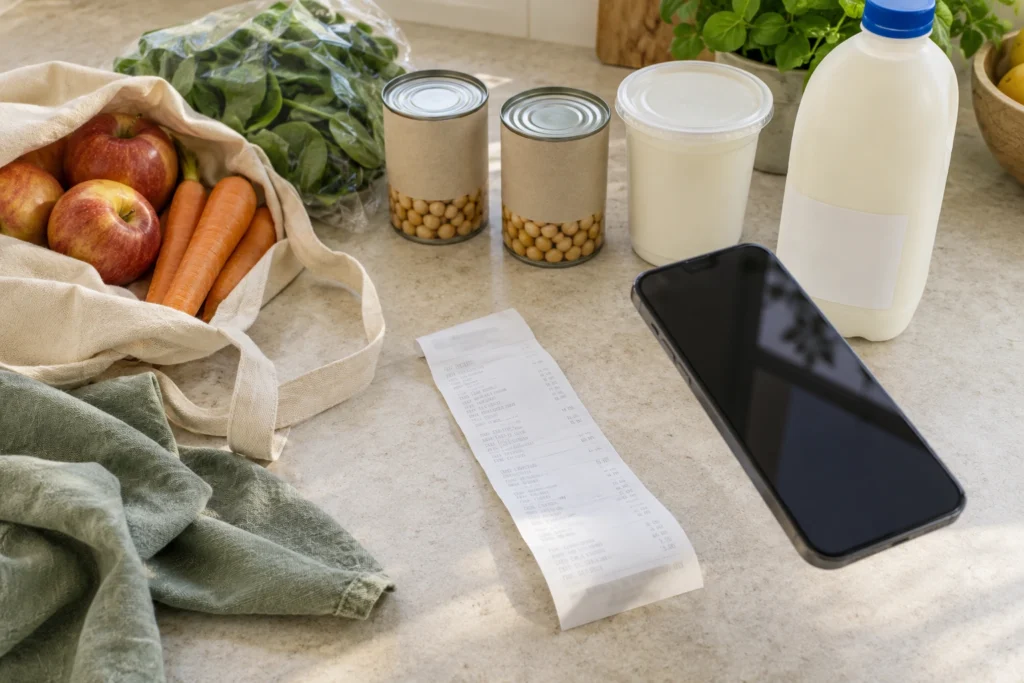
The shopping is home: chickpeas for the cupboard, yoghurt for breakfast and spinach for a dinner you haven’t quite chosen. The receipt is beside the kettle, already beginning to curl.
Usually that piece of paper has almost finished its job. In QR Pantry, it can be the beginning of a food list you’ll use again while choosing meals and writing the next shopping list. Pro’s receipt import takes care of much of the entry, leaving you to connect the receipt’s shorthand with the groceries that actually came home.
Cold food comes first. The NSW Food Authority recommends unpacking and refrigerating chilled purchases promptly. The receipt can wait while the groceries go into appropriate storage, with individual packs available to check afterwards.
A head start while the shop is fresh in your mind
Import shop accepts a receipt photo, screenshot or PDF. A digital receipt saves photographing a screen; a paper one benefits from being flattened in good light, with the full item list and purchase date visible. For a delivery, the final receipt is the useful version, alongside any substitutions or missing items.
The app turns that information into review cards with suggested names, quantities, dates and storage spaces. This is where a little familiarity with your shopping helps. You know that the abbreviated line means plain Greek yoghurt, that the chickpeas came in two tins and that the toilet paper doesn’t belong in Food.
Those are the details worth attention before polishing every product name. The amounts should describe what arrived, including the units on weighed purchases. Locations should match where the food went, so the spinach is waiting in the fridge when you look for it later.
Purchases already entered through Shopping or another route can be left out of the import. Two entries for one packet would make the next shopping decision harder, rather than easier.
Two yoghurts can need two different dates
A receipt may say you bought two of something without revealing that one was marked down and needs using sooner. It generally doesn’t contain the printed date on your particular pack at all. That is why a suggested date needs the packet beside it.
An amber estimate is a prompt to check. It can be corrected, or confirmed with Looks right once you’ve checked what you’re accepting. Confirmation enables reminders by default, with the option to turn them off. A blank date on an older receipt is a reason to consult the food, not invent a future date to fill the gap.
For the two yoghurts, Split 1 off separates one purchase from a card containing several. Each can then carry its actual date. It’s a small correction now that makes ‘which one first?’ easier to answer at breakfast.
The meaning of the date matters as much as the number. FSANZ explains that use-by concerns safety and best-before concerns quality. The food’s storage and after-opening directions apply too, and it shouldn’t be eaten after its use-by date. A receipt estimate can’t establish food safety.
A refill depends on what’s in the jar
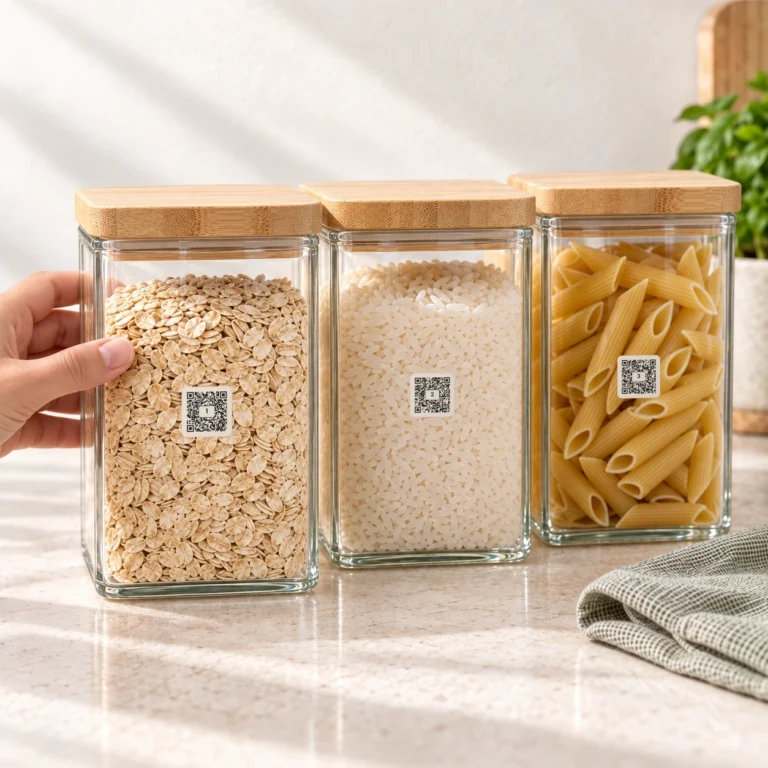
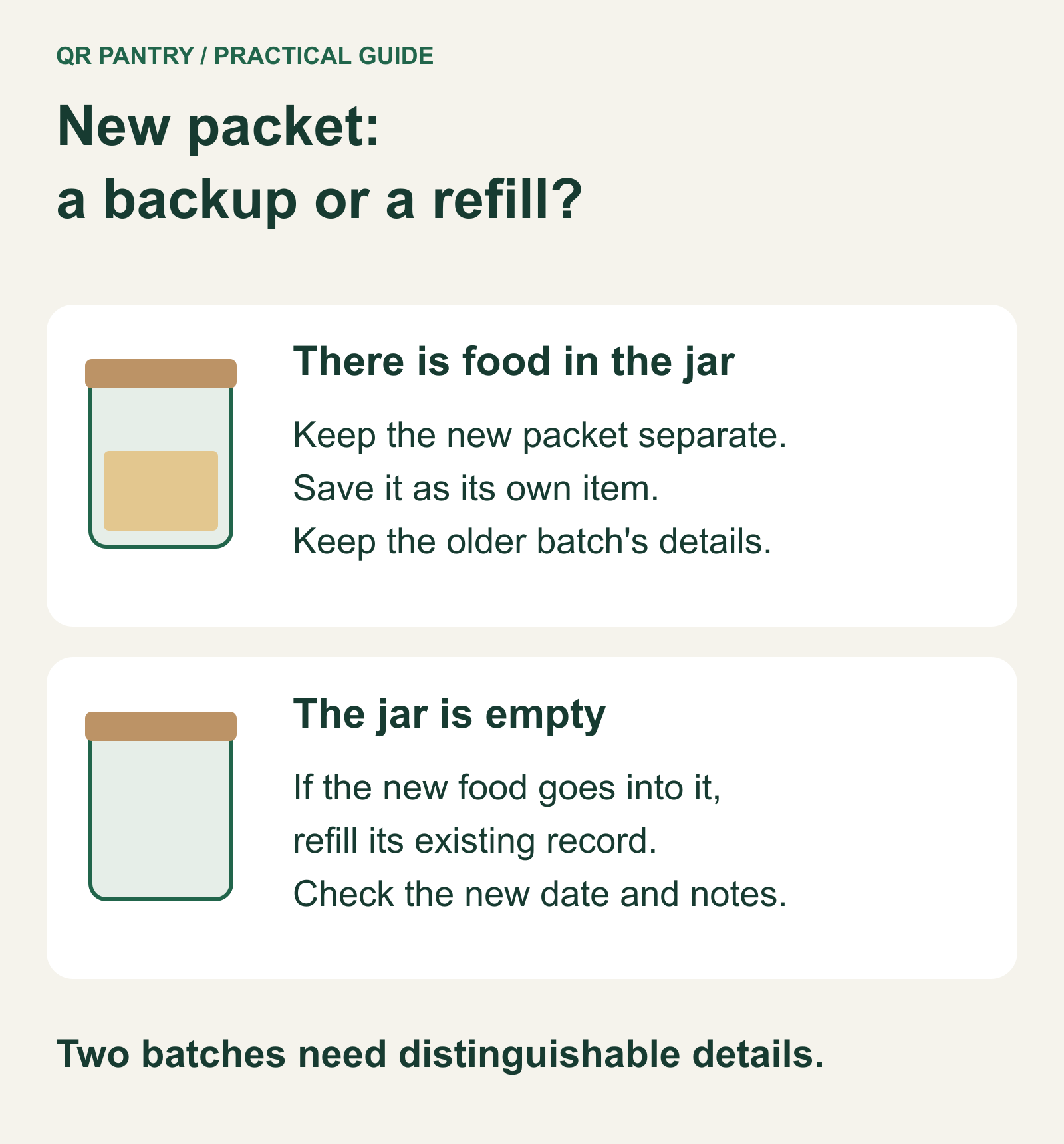
The rice introduces a different decision. If its usual jar is empty and you’re filling it from the new packet, the purchase can refill that container’s existing record. QR Pantry can suggest a match, which is worth reading carefully: basmati and arborio don’t become interchangeable because both say rice.
If there’s still older rice in the jar, the unopened replacement needs its own record and date. It can wait separately until you’re ready to use it. Our pantry jar article follows what happens when that next refill comes around.
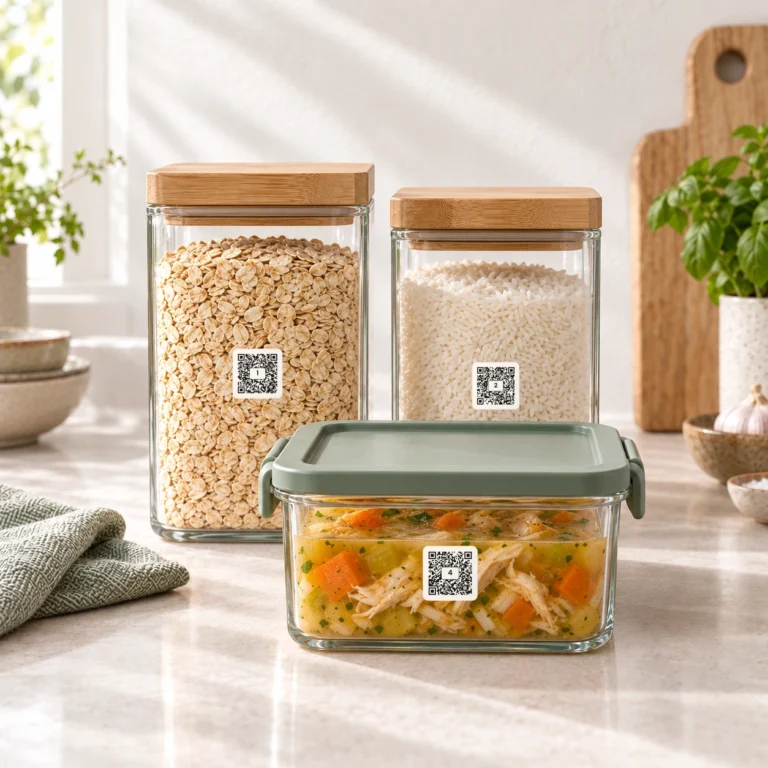
Food can stay in its original packaging too. If you decant an imported purchase later, Pro lets you pair a QR Pantry label with the existing item, connecting the purchase to its container without adding it again.
The part that happens after the receipt
Once the review matches the shop, saving it brings those purchases into Food. The result will flag anything that couldn’t be added. A look at the saved entries confirms that the important exceptions came through: the yoghurt dates, the rice refill and the food in the right places.
On the saved item’s date panel, Use by or Best before should match the packet too. Confirming a date during import doesn’t replace checking that setting.
Then there is one decision no receipt can make: what to do with the spinach. Giving it a place in tomorrow’s dinner turns a remembered purchase into food you’ll use. The receipt can go away, leaving its useful information in the kitchen’s plans.