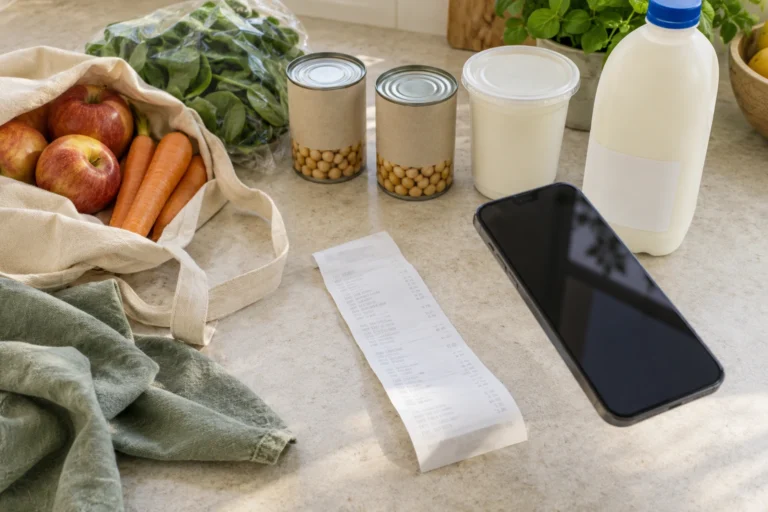
You’re out of milk, dinner needs chickpeas and the bin bags are running low. They can all go on the same shopping list, but their journeys end in different places. The milk replaces something you’ve finished, the chickpeas become part of the pantry, and the bin bags can simply come off the list.
Ticking a purchase tells you it is in the trolley. Knowing what is available for the next dinner depends on what happens when it reaches home.
QR Pantry Shopping connects those two moments, carrying a list of needs through a review of what was actually bought.
A list with a kitchen behind it
The milk belongs on the list because it is gone. The chickpeas deserve a quick cupboard check: dinner may need two tins, but one could already be there. A useful list captures the shortfall, with enough detail to make the buying decision clear.
That is why ‘Tinned chickpeas, two tins’ does more work than ‘Chickpeas’. The amount, form and any important product requirement travel with the task when someone else does the shopping.
QR Pantry can bring an existing food item onto the list, accept a new line or gather missing ingredients from Pro’s Shop the week. Matching recorded food may also appear as you type. That suggestion is a reason to check: the match could be an empty container awaiting a refill, or a spare packet you had forgotten.
Combined recipe ingredients need a little judgement too. Fresh tomatoes and tinned tomatoes aren’t the same purchase, and finding an ingredient in Food doesn’t establish that you have enough. A look at the actual quantities keeps the list connected to the meals it is meant to cover.
What a tick tells you
During the shop, a tick moves a line into In the trolley. If the product goes back on the shelf, the tick needs to come off; if you buy a different amount, the line needs to reflect it. Those small corrections make the review at home meaningful.
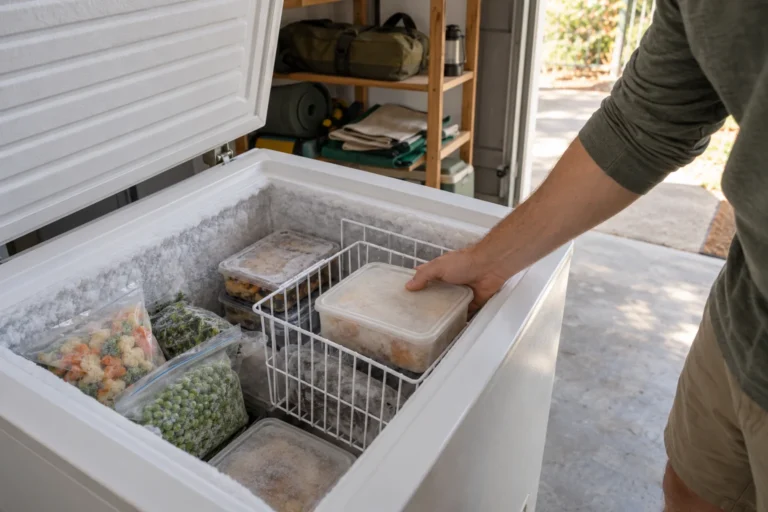
The cold food takes priority when you return. The NSW Food Authority recommends leaving chilled and frozen purchases until the end, transporting them in an insulated cooler bag and unpacking them promptly into appropriate storage. The app can wait until that is done.
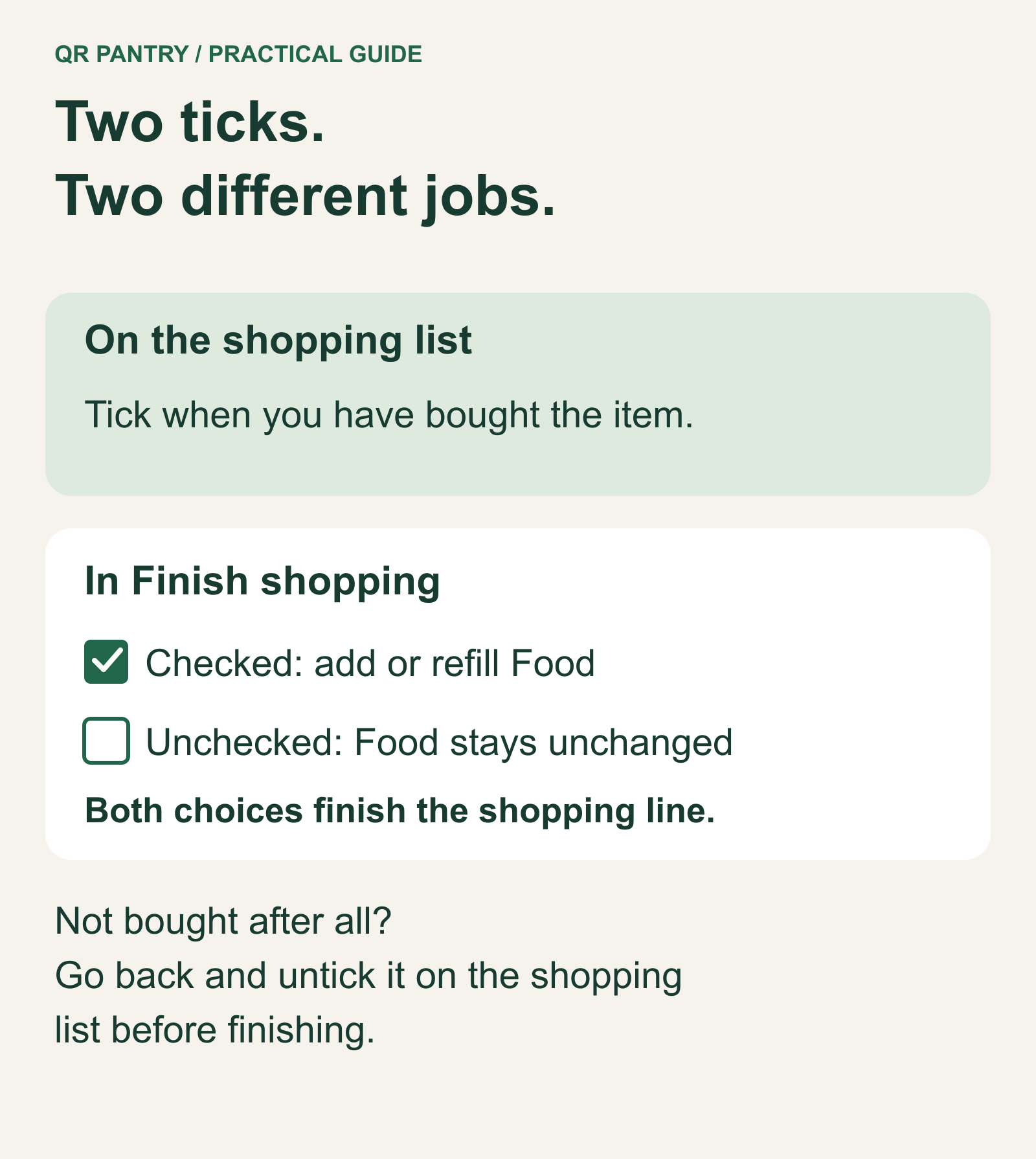
Finish shopping then asks a different question from the trolley tick: should this purchase change Food as well? Existing and new food lines normally begin checked, while household supplies normally begin unchecked. For this shop, the milk can refill its finished record, the chickpeas can become new food, and the bin bags can be marked done.
Every trolley line in that review comes off the shopping list when you confirm it. An unchecked box prevents the Food change; it doesn’t save the purchase for next time. If the chickpeas were never bought, Not yet takes you back so you can untick them on the shopping list itself. They will then remain a need for another trip.
A spare packet still needs its own place
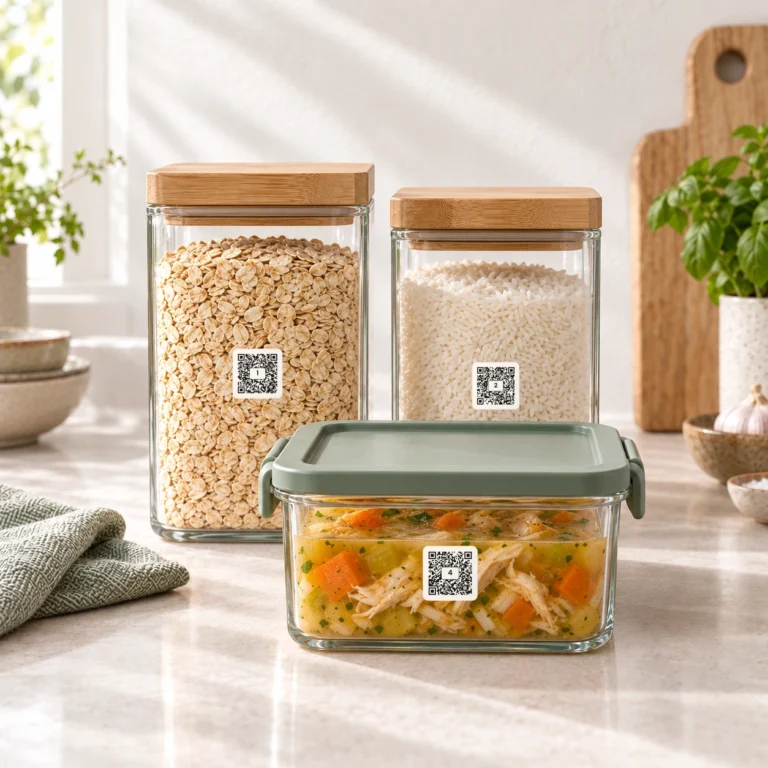
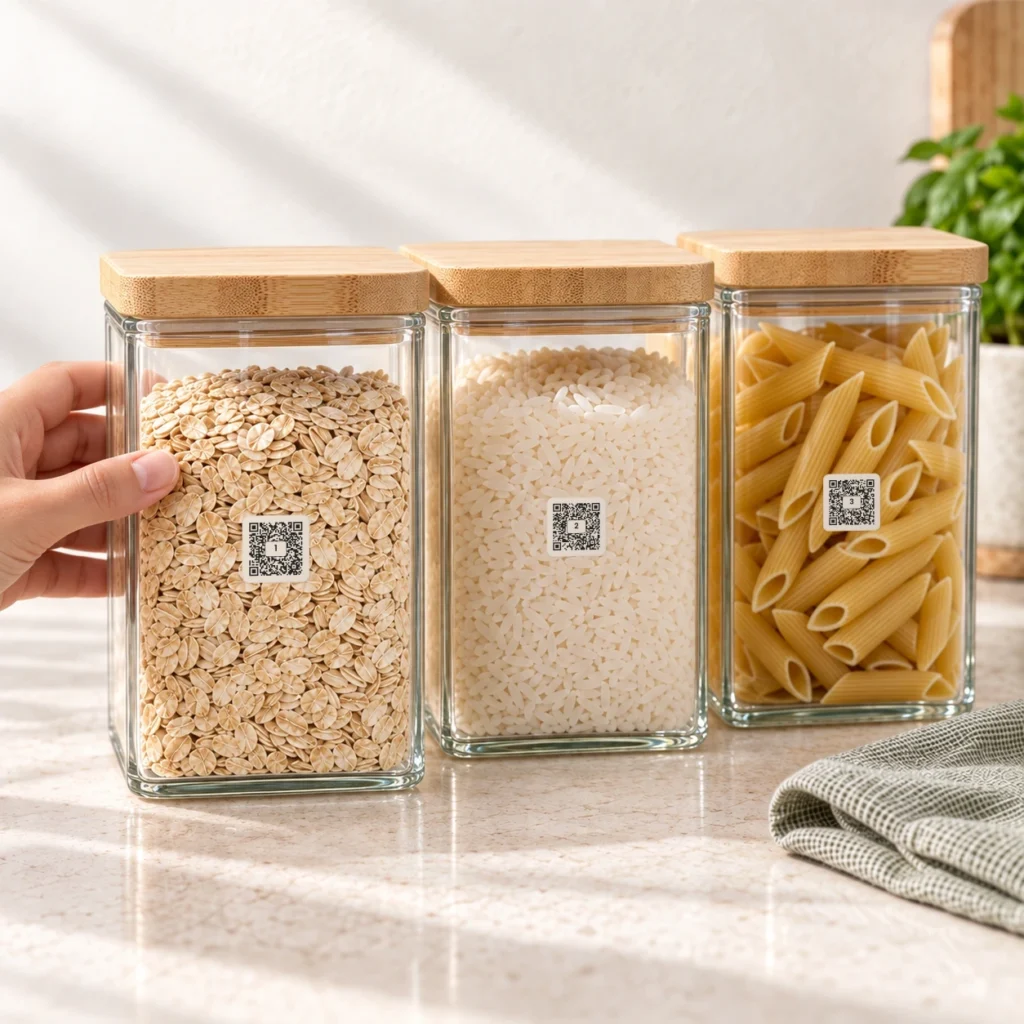
Refilling sounds straightforward until you come home with rice for a jar that is only half empty. The new packet is a backup. The older rice still has its own amount and date, and replacing its record would make that information disappear.
An actual refill is different: the jar was empty, it has been filled from the new packet, and its record can now describe the new contents. The review needs to reflect what happened in the kitchen.
For a backup, leave the existing item’s refill unchecked, finish that shopping line and add the unopened packet separately in Food. The older jar keeps its information until it is empty and ready to refill. Two packs with different dates also benefit from separate records, because you may need to use one before the other.
The details that come home with the food
After the finish review, the new or refilled records need a final look alongside the groceries. Their quantities and storage places should match reality. Their dates should come from the actual packets, with Use by or Best before selected to match the wording. Cooking and after-opening directions are worth keeping too, especially if the packaging will be discarded.
The review can leave food undated or offer typical dates, but those suggestions are estimates. FSANZ's date guide explains why the distinction matters: use-by concerns safety and best-before concerns quality. Food shouldn’t be eaten after its use-by date, and reminders don’t establish safety.
A receipt can help check what arrived, but it shouldn’t create the same food twice. If you also use receipt import, only purchases still needing records should be imported after Finish shopping. Otherwise one packet can appear as two in the next cupboard check.
By then, the milk, chickpeas and bin bags have each finished their part of the shop. When dinner comes around, the food list can tell you what came home. And when the next shopping list begins, you have something better to work from than the memory of what was in the trolley.