You were sure there were peas. The kitchen freezer has none, but there might be a bag in the garage, underneath the bread. It’s tempting to buy another one and sort it out later.
Extra storage is useful until it becomes somewhere food goes to be forgotten. A separate freezer, an overflow cupboard or a shelf of spare packets can quietly drop out of the picture when you’re planning dinner from what’s directly in front of you.
QR Pantry can bring those places into one view. Each saved food has a location, called a space, so remembering that you bought peas can lead to finding the bag you already own.
Names that sound like your home
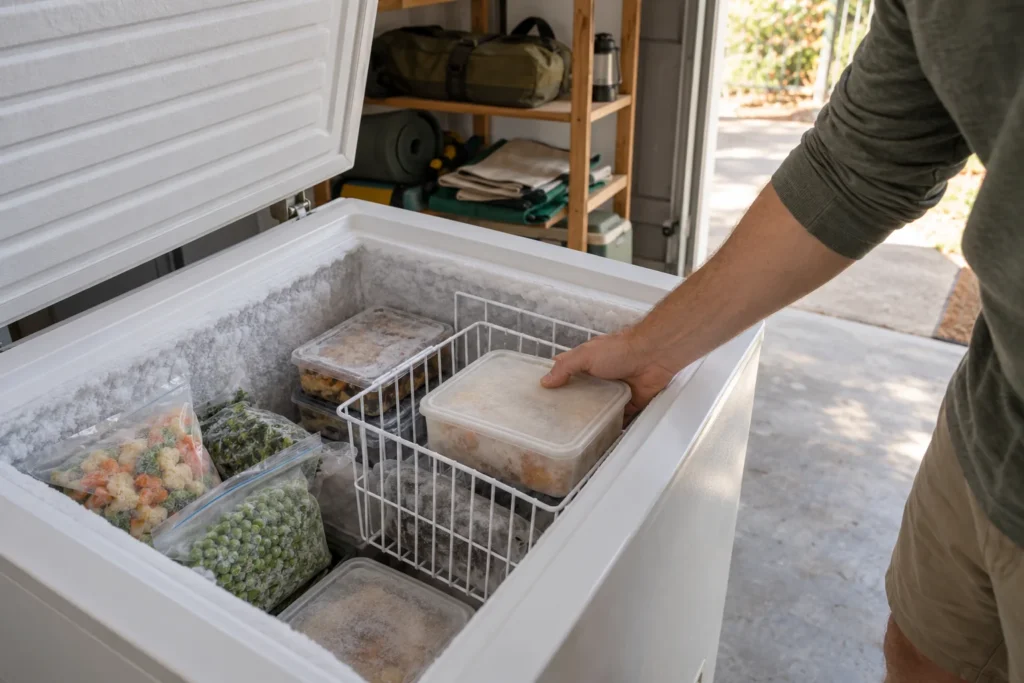
The most useful location names sound like directions you’d give another person. ‘Kitchen freezer’ and ‘Garage freezer’ distinguish two appliances immediately. ‘Upper basket’ adds the last small detail when someone is standing at the open lid.
That doesn’t require a map of every shelf. The main storage places can be spaces in QR Pantry, with basket or shelf details in the food’s notes. A short list is easier to keep accurate, especially when groceries arrive and everyone wants the bench cleared.
The app’s starting spaces can be renamed to fit your home. Free allows five spaces, so a pantry, fridge, kitchen freezer, garage freezer and overflow cupboard may be all you need. Pro allows fifteen if your storage needs more detail.
Alongside each name is a Kind setting. A garage freezer should have Freezer selected so QR Pantry treats it as freezer storage, however you’ve named it.
While you’re putting the shopping away
Putting food away is the moment when its destination is obvious. The peas are going outside, the bread is staying in the kitchen freezer and the extra tins belong on the overflow shelf. Saving those places then means you won’t have to reconstruct the trip later.
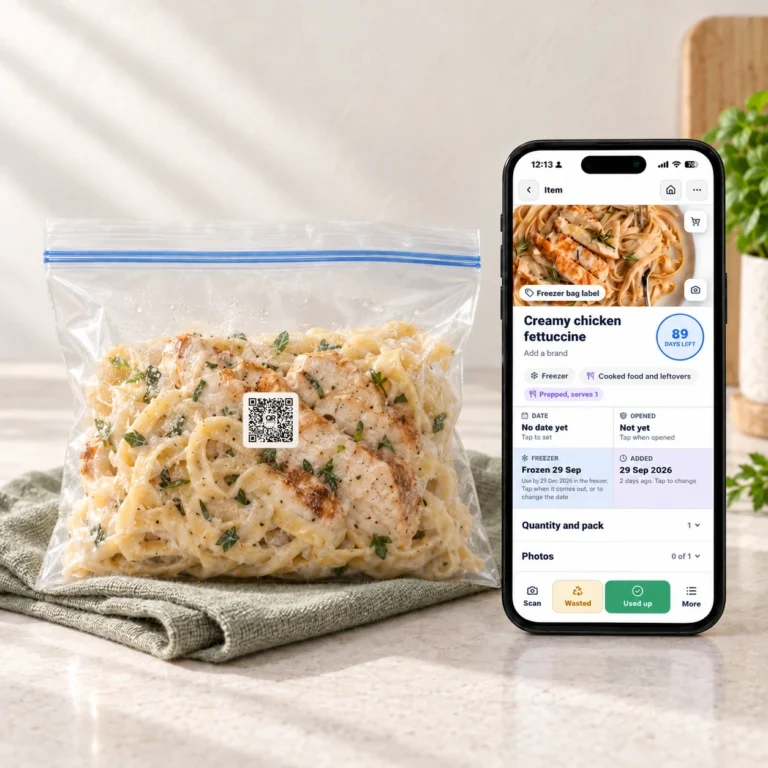
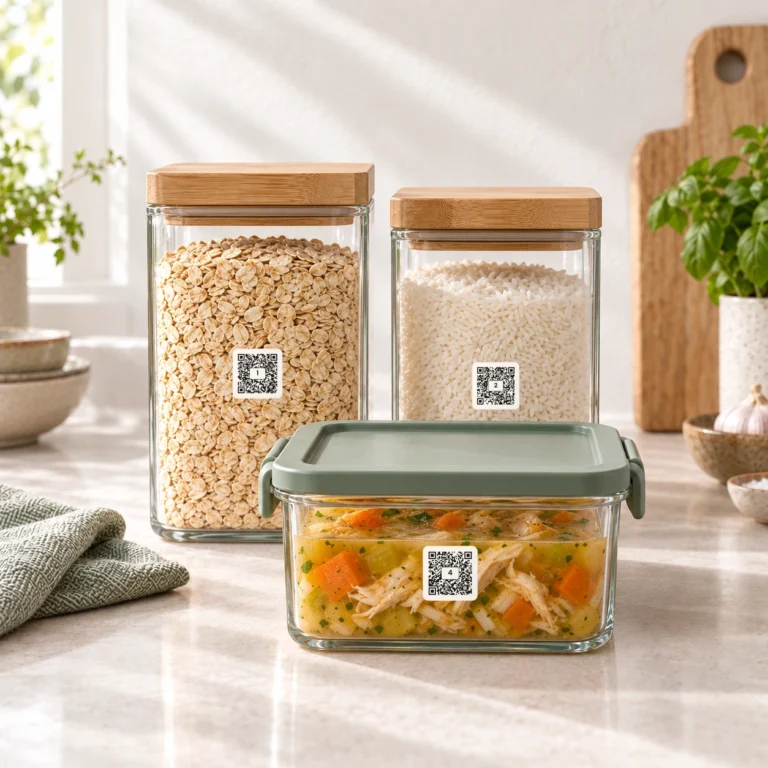
The food’s name and amount make the location useful. ‘Tomato sauce, serves four, Garage freezer’ offers a possible dinner. A plain ‘Sauce’ entry still leaves questions. A QR Pantry label on a reusable container takes you back to its saved details, while products in their original packaging can have locations too.
An existing collection can grow into the same system gradually. There is no need to have chilled or frozen food sitting out while you catalogue everything. The next few things you put away are enough to begin building a picture you’ll want to return to.
A search that saves another purchase
The value appears when you next need something. A search for peas can find them across your saved food; a filter for Garage freezer shows what else is waiting there. One answers a shopping question, while the other might suggest dinner.
Those overlooked spaces are especially worth a glance before writing a list. There may be enough sauce for tomorrow, or an unopened packet that covers an ingredient you thought you’d run out of. The actual amount still matters when a recipe needs a certain quantity, so an occasional cupboard check keeps the saved picture honest.
Food rarely stays in one place forever
When the sauce comes inside to the fridge, it remains the same container. Changing its existing location keeps that journey clear; adding it again would make one dinner look like two.
Food going into the freezer needs its freezing history saved as well as its new address. The freezer article explains how that history stays alongside earlier dates and notes. If food is divided between two containers going to different places, each portion needs its own record.
The last update happens when the food is finished. Marking it Used up, or adjusting what’s left after using some, means the next search reflects the kitchen you have now.
That is what makes the extra storage useful again. The next time peas go on the shopping list, it can be because you need them, rather than because nobody remembers what is under the bread.